Plotalot Plugin
The best way to show charts on your site is to use the Plotalot Plugin and include charts in articles.
Install the Plugin and make sure it is enabled.
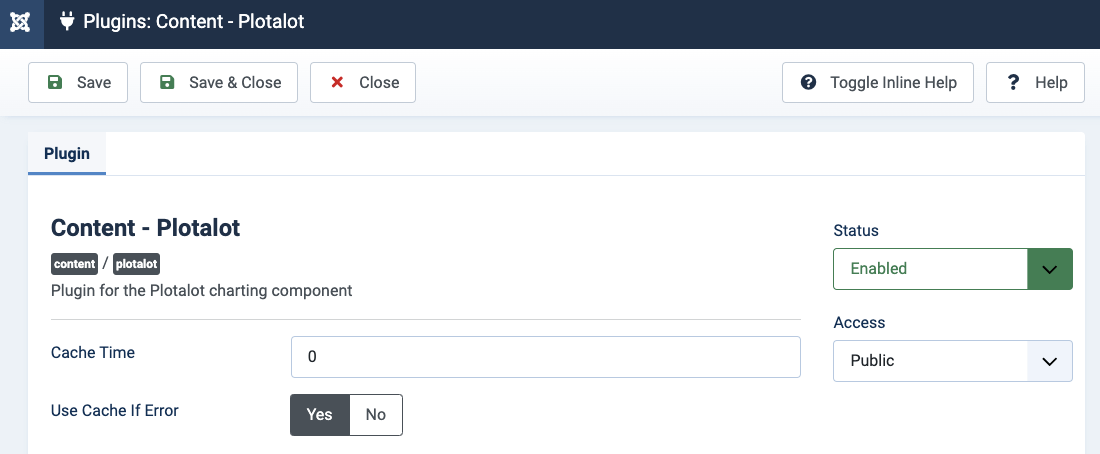
Once you have defined a chart and installed and enabled the plugin, it's easy to add the chart to an article. In its simplest form, the syntax to include the chart with an ID of 1 in an article is simply:
{plotalot id="1"}The chart ID must be enclosed in double quotes. Note that Joomla Article Text Filtering and some article editors can interfere with the quotes, causing the chart ID not to be recognised. See the Troubleshooting section for more details.
The plugin cannot display the same chart more than once on the same page. If you need to do that you must make copies of the chart so that each instance has a different chart ID.